 https://timmygstudios.com
 Join our Discord
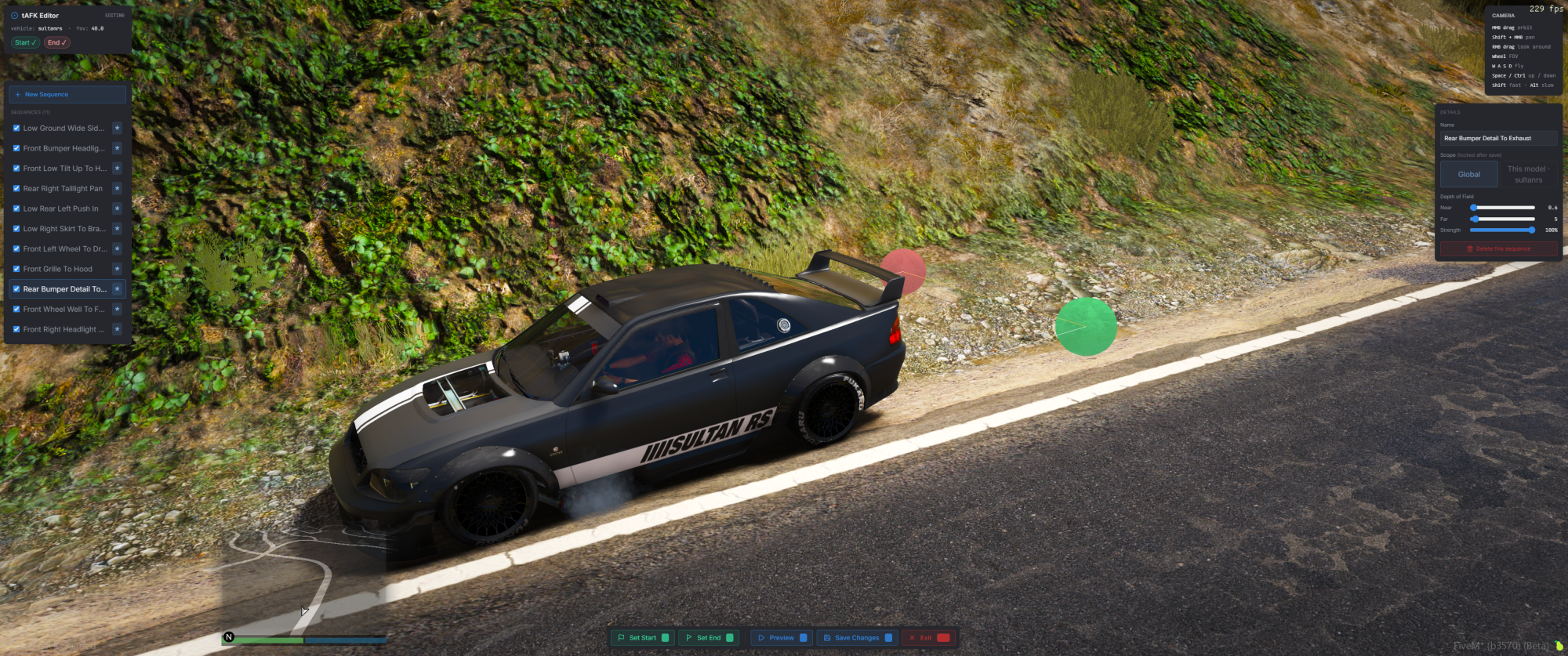
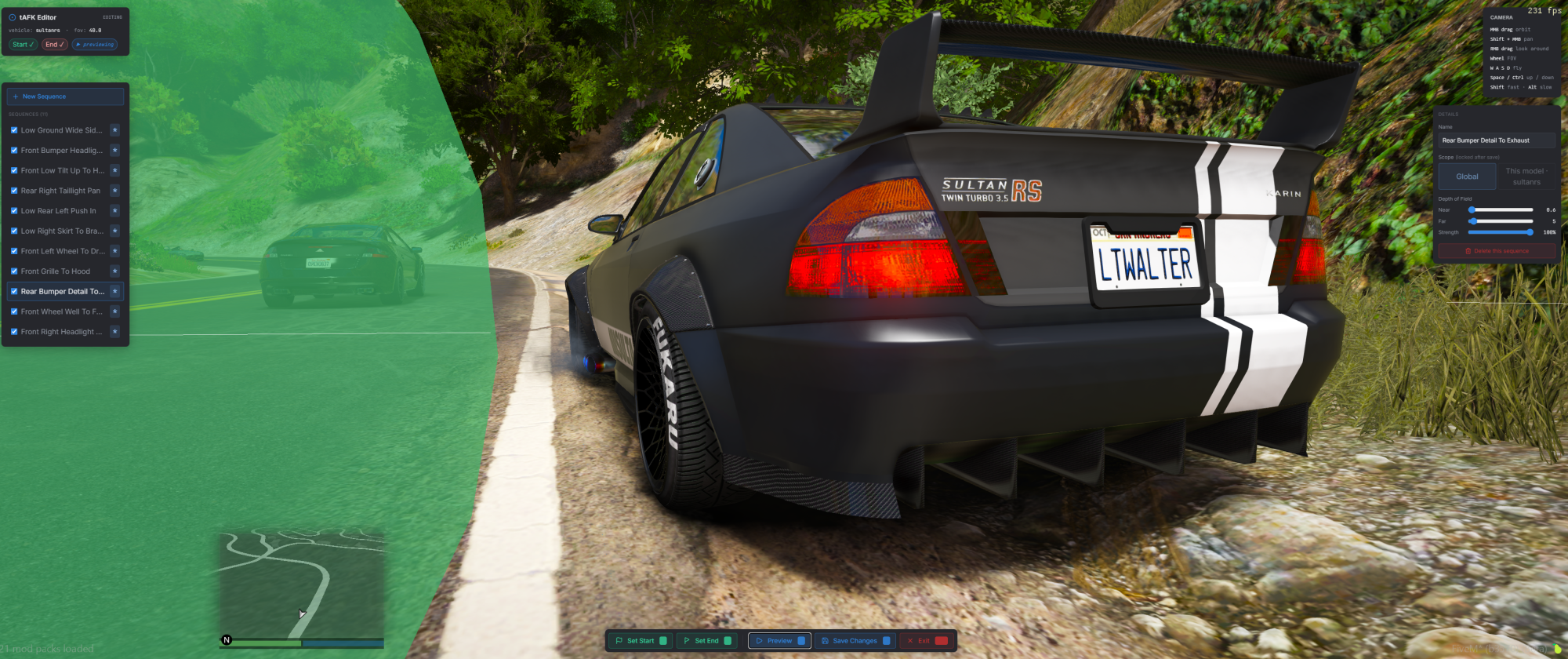
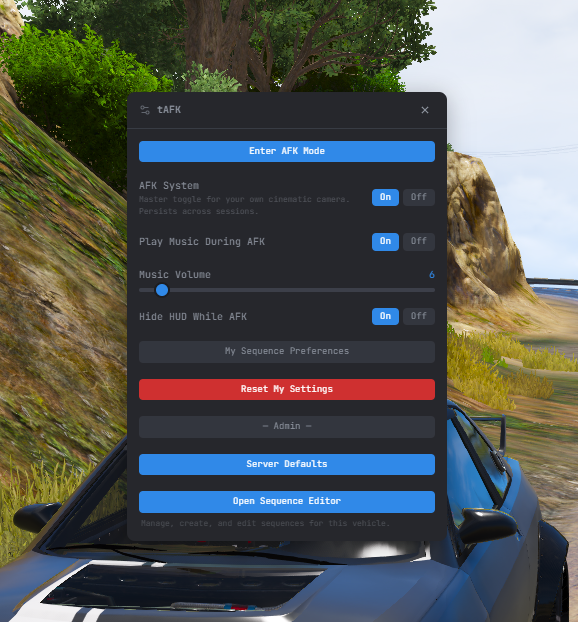
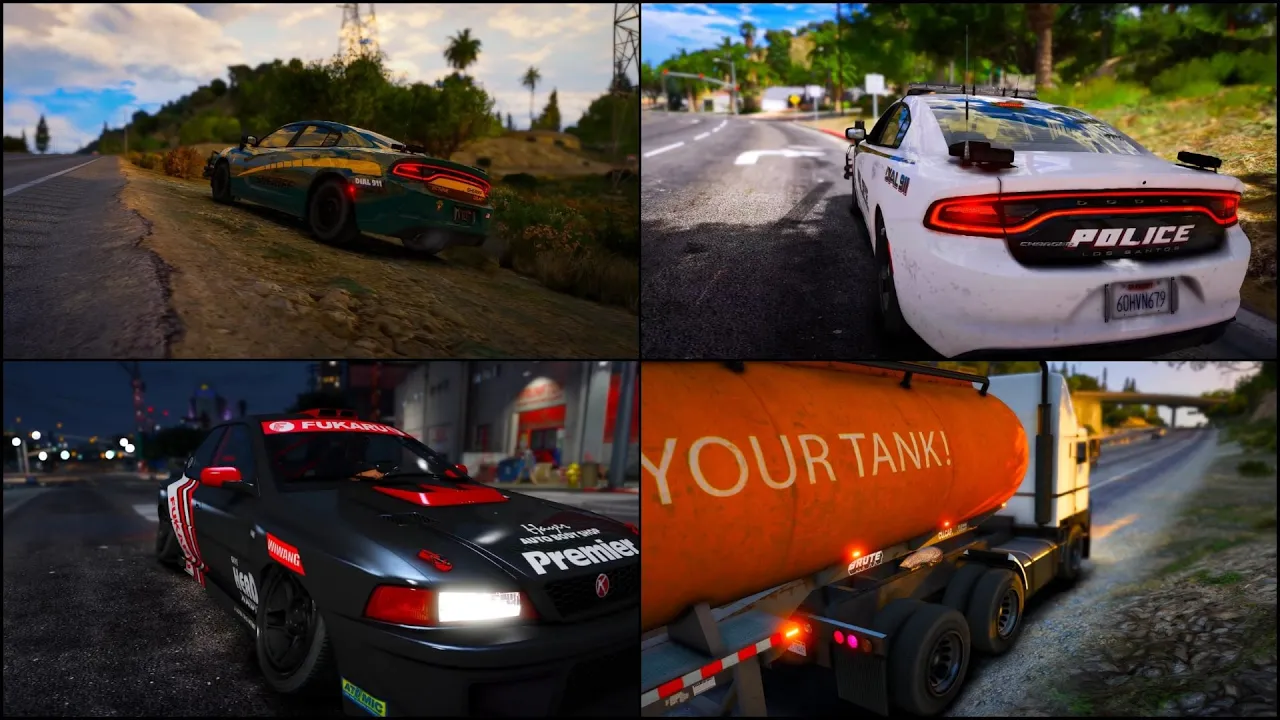
An AFK system that rewards idleness instead of punishing it. tAFK never kicks, warns, or times players out — when someone goes idle in a vehicle, their camera breaks out into a cinematic orbit around the car. Beat-synced cuts, depth-of-field, background music. Any input drops them back in control instantly.
Every sequence is authored in-game, not in a config file. Drop into the editor, fly the camera where you want the shot to start, hit a key, reposition, hit another, preview, save. Eleven shipped sequences, per-vehicle-model overrides via vehicle-pack metadata, and player-level opt-outs that survive relogs.
Highlights
- Cinematic AFK, not a kick script — camera breakout on idle, back to control the instant any input fires
- Beat-synced cuts — NUI detects BPM in-browser, cuts land on the beat with a configurable anticipation offset
- In-vehicle editor — free-fly camera, MMB orbit / Shift+MMB pan / RMB look, keyframe 1, reposition, keyframe 2, preview, save
- Smart director — raycasts every candidate path, rejects angles that clip the vehicle or trailer, penalises jarring cuts and recent repeats
- Per-vehicle sequence packs — vehicle resources ship their own shots via
tafk_configmetadata, discovered and broadcast automatically - State-bag integration —
Player(src).state.afkreplicates server-wide; exports cover programmatic toggles and queries - Customisable end-to-end — admin panel for timeouts, duration bounds, beat anchor, music defaults, retuned live without a restart
In-Vehicle Editor
Run /tafkedit in a vehicle (admin-gated). A free-fly camera orbits your car. WASD flies, MMB drag orbits, Shift+MMB pans, RMB drag looks around, mouse wheel adjusts FOV. Hold Shift for 3× speed or Alt for 0.3× fine-tune. Press 1 to capture the start, reposition, 2 for the endpoint, 3 to preview, 4 to save. Dialog asks for a name and whether the sequence is global or locked to the current vehicle model. Done — no files to edit.
Beat-Synced Cuts
Drop a track into audio/ matching one of the recognised patterns (bg<N>.ogg, track<N>.ogg, afk<N>.ogg, music<N>.ogg, cinematic<N>.ogg) and restart. Tracks are auto-discovered at server start — no registration UI. The NUI analyses BPM and offset in the browser; cuts then align to the next beat within each sequence's min/max duration. No beat data? Durations fall back to random within range — still works, just without the sync.
Per-Vehicle Sequence Packs
Vehicle resources ship their own sequences. Add tafk_config 'tafk.json' to any vehicle resource's fxmanifest.lua, declare per-model sequences in the JSON, and tLib's Discovery module merges them into every client's lookup on start. Server-side admin edits always take priority, so pack sequences act as defaults you can override.
Try Before You Buy
- Open FiveM and press
F8 - Type
connect fivem.timmygstudios.comand hit enter - Once loaded, hop in any vehicle and run
/afkto trigger the cinematic manually - Or idle for 30 seconds and watch it kick in on its own
Compatibility
FiveM with OneSync (Infinity or Legacy). Requires tLib (free) — install the release zip, not the source. Asset Escrow encrypted. Framework-agnostic.
Documentation
Full setup, editor guide, configuration, and API reference at docs.timmygstudios.com/docs/tafk.